
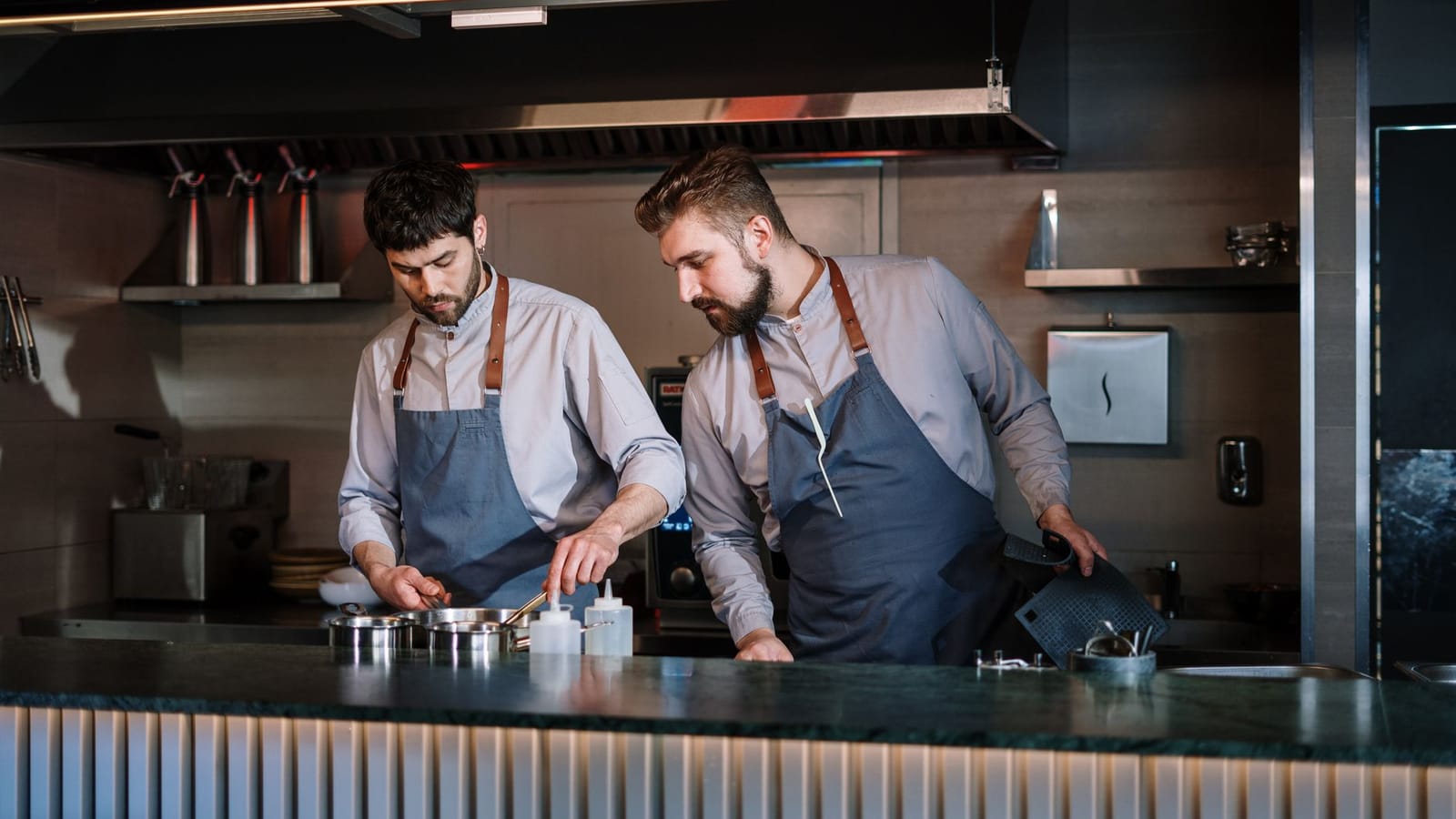
A Kitchen Display System replaces paper tickets and the chit printer with screens that route, time, and track orders across the line. Done well, it shaves seconds off every ticket and removes a whole class of errors. Done badly, it becomes another laggy monitor the expo learns to ignore. This guide covers the architecture and UX decisions that separate the two, from realtime order flow to offline resilience.
What a KDS Actually Has to Do
A KDS is deceptively simple on the surface: show orders, let cooks bump them when done. The hard part is everything around that loop. A production system has to ingest orders from multiple channels (dine-in POS, online ordering, delivery marketplaces, kiosk), split each order into the right station-level tickets, time them so courses fire together, survive a Wi-Fi drop in the middle of dinner rush, and feed status back to the customer and the front of house.
The non-negotiable requirements are latency and reliability. An order placed at the register must appear on the grill screen in well under a second, and the screen must never silently lose a ticket. Everything else — color coding, layouts, analytics — is in service of those two properties.
Realtime Order Flow
The core data path is an event stream. When an order is committed at the POS or accepted from an online channel, it becomes an immutable order event that fans out to every station that owns at least one of its items.
Avoid building the KDS on request/response polling against the POS database. Polling adds latency, hammers the database during peak, and creates ambiguous state when two screens read mid-write. Instead, treat order lifecycle as a log of events the kitchen subscribes to.
type OrderEvent =
  | { type: "order.fired"; orderId: string; at: string; items: LineItem[] }
  | { type: "item.bumped"; orderId: string; itemId: string; station: string; at: string }
  | { type: "order.recalled"; orderId: string; at: string }
  | { type: "order.voided"; orderId: string; at: string };

interface LineItem {
  itemId: string;
  name: string;
  station: Station;          // grill | fry | saute | salad | expo
  modifiers: string[];
  course: number;            // 1 = appetizer, 2 = main, ...
  seat?: number;
}
In practice this maps cleanly onto WebSockets for the live push, backed by a durable event store (Postgres logical decoding, Redis Streams, or a managed broker) so a reconnecting screen can replay everything it missed by sequence number. The replay-by-sequence guarantee is what makes the system trustworthy: a screen that was offline for ninety seconds asks for "everything after event 4412" and is immediately consistent again.
Idempotency and ordering
Every event carries a monotonic sequence per station and a stable id. Screens dedupe on the id and apply in sequence order, so a duplicated delivery (common on flaky networks and reconnect storms) never double-renders a ticket. Bumps are idempotent too — bumping an already-bumped item is a no-op, not an error.
Station Routing
Routing is where most of the kitchen-specific logic lives. A single guest order rarely belongs to one screen. A burger, fries, and a side salad split across grill, fry, and garde manger, and each station only ever sees what it is responsible for.
Routing rules should be data, not code. Store an item-to-station map (with overrides for prep style and time of day) so a kitchen manager can re-route the wing station to fry during a line cook's break without a deploy.
- Item-level routing is the default: each menu item declares its primary station.
- Modifier routing handles cases where a modifier changes the station (a salad "add grilled chicken" pulls the grill in).
- Combo/expo aggregation means the expo screen sees the whole order assembled while each station sees only its slice.
- Dynamic load routing can shift items between equivalent stations (two grills) to balance the line — useful, but keep it optional and observable, because cooks need to trust where a ticket will land.
The expo screen is special. It is the only screen that shows the complete order and the bump state of every contributing station, so the expediter knows a plate is ready to assemble only when grill, fry, and salad have all bumped their parts.
Bump Bar UX: Designing for the Line
The interface lives in a hot, wet, loud environment operated by people with gloved or greasy hands who glance at it for half a second between tasks. This rules out most conventional UI thinking.
Hardware and input
A physical bump bar — a row of durable, wipeable buttons — beats touch for the primary actions. Cooks operate it by feel without looking, and it survives grease and water. Touch is a fine secondary input for setup and recall. The canonical bump bar verbs are: bump (mark current ticket done), recall (bring back the last bumped ticket), scroll, and select. Keep that vocabulary small and consistent across every screen.
Visual design rules
- Legibility from two meters. Large type, high contrast, no thin fonts. The cook is not leaning in.
- Color encodes time, not decoration. A ticket moves from neutral to warning to alarm as it ages. Use color sparingly and consistently so a red ticket always means the same thing.
- One ticket, one mental unit. Group an order's items as a block; never let a single order's items scatter across columns.
- Minimize state to read. Show item, key modifiers, course, and age. Hide everything else behind an explicit action.
- Forgiving recall. Mistaken bumps happen constantly. Recall must be one button and instant.
Motion should be near-zero. Animations that look great in a demo are noise on the line. A ticket appears, ages by changing color, and disappears on bump. That is the entire choreography.
Ticket Timing and Coursing
Timing is the feature that justifies a KDS over paper. The system tracks the age of every ticket and every item from the moment it fires, and surfaces that as the dominant visual signal.
Two timing models matter:
- Fire-on-order items start their clock immediately.
- Coursed/held items are timed backward from a target send time so a main course's longest-cook item starts early enough that everything plates together. The KDS computes the fire time per item from its prep duration and the target course time, then releases it to the station at the right moment.
-- Tickets at risk: open longer than the item's target prep time
SELECT t.order_id,
       t.station,
       i.name,
       EXTRACT(EPOCH FROM (now() - t.fired_at)) AS age_seconds,
       i.target_prep_seconds,
       EXTRACT(EPOCH FROM (now() - t.fired_at)) - i.target_prep_seconds AS over_seconds
FROM kds_tickets t
JOIN menu_items i ON i.item_id = t.item_id
WHERE t.bumped_at IS NULL
  AND now() - t.fired_at > make_interval(secs => i.target_prep_seconds)
ORDER BY over_seconds DESC;
The same timing data drives post-shift analytics: average time-to-bump per station, longest tickets, and the gap between order time and completion. That is the data managers use to rebalance stations and staffing, and it is impossible to collect reliably from paper.
Offline Resilience
Kitchen networks are hostile. Access points sit behind walls of stainless steel, microwaves stomp on 2.4GHz, and the one switch in the office reboots itself when someone vacuums. A KDS that stops working when the network blinks is worse than paper, because the staff stops trusting it.
The design principle is local-first. Each screen is a self-sufficient client that holds its own state and keeps functioning through a disconnect:
- Cache the live state so the screen keeps showing and ageing existing tickets even with no connection.
- Queue outbound actions. Bumps and recalls performed offline are stored locally with their ids and flushed in order on reconnect — idempotency on the server makes the flush safe.
- Replay on reconnect by sequence number to catch up on anything missed, rather than refetching the whole world.
- Make connection state visible. A small, unambiguous indicator tells the cook whether the screen is live or running on local cache. Hidden degradation is how people lose trust.
For multi-screen consistency, a small on-premise hub (a local server or a designated screen acting as leader) lets the kitchen keep routing and bumping among stations even when the venue's internet is down entirely. The cloud sync catches up later.
Integrating with POS and Ordering Channels
The KDS is downstream of where orders are created, and it has to reconcile several sources that disagree about everything.
- POS (dine-in): the richest integration — seats, courses, fire commands, voids, and check status. Prefer an event/webhook feed; fall back to a polling adapter only if the POS offers nothing better.
- First-party online ordering: you control the schema, so normalize it to your internal order event directly.
- Delivery marketplaces: orders arrive via aggregator APIs with their own item names, modifier formats, and timing expectations. Map them to your menu through a translation layer, and treat their prep-time estimates as inputs to your timing model, not gospel.
The integration boundary should be one normalization layer that converts every source into the same internal OrderEvent shape. Stations never see channel-specific quirks. Status flows back the same way: a bump can update the POS check, notify a first-party customer, and acknowledge the aggregator, all from the same event.
A practical decision point on coupling:
- Tightly coupled to one POS: faster to ship, deeper features (live seat-level fire), but you inherit that POS's reliability and you are locked in.
- Decoupled via a normalization layer: more upfront work, but you can add channels and swap the POS without touching station logic. For any multi-location or multi-channel operation, decoupled wins.
Frequently Asked Questions
How fast should an order appear on the kitchen display?
Sub-second from the moment it is committed at the POS or accepted from an online channel. Cooks treat the screen as immediate; any visible lag erodes trust and pushes staff back to verbal confirmation. Use a push-based event stream over WebSockets rather than database polling to hit that latency consistently, even during peak service.
Should a KDS use a touchscreen or a physical bump bar?
Use a physical bump bar for the primary verbs — bump, recall, scroll, select. Cooks operate it by feel without looking, and it survives grease, water, and gloves. A touchscreen is a good secondary input for setup, configuration, and detailed views, but it is a poor primary control in the heat and mess of an active line.
What happens to a KDS when the kitchen network goes down?
A well-built KDS is local-first: each screen caches its current state, keeps ageing and displaying tickets, and queues bumps and recalls locally. On reconnect it replays missed events by sequence number and flushes its queued actions, which the server applies idempotently. A local on-premise hub can keep stations coordinated even with no internet.
How does a KDS handle coursing so dishes finish together?
It times held items backward from a target send time. Each item has a prep duration, and the system releases it to its station early enough that the longest-cook item and the quickest one plate at the same moment. The expo screen aggregates every station's bump state so the expediter only assembles when all parts are genuinely ready.
Can one KDS serve multiple ordering channels?
Yes, and it should. Build a single normalization layer that converts POS, first-party online ordering, and delivery marketplace orders into one internal event shape. Stations then see consistent tickets regardless of source, and status updates flow back to each channel from the same events. This decoupling also lets you add channels or swap the POS without rewriting station logic.
Working with CodeAustral
We design and build restaurant technology — KDS, ordering, and POS integrations — with the realtime and offline rigor this guide describes. If you are planning a kitchen display system or untangling an order flow that is dropping tickets at peak, send us a short brief at https://codeaustral.com/contact and we will tell you honestly what we would build and what we would not.