
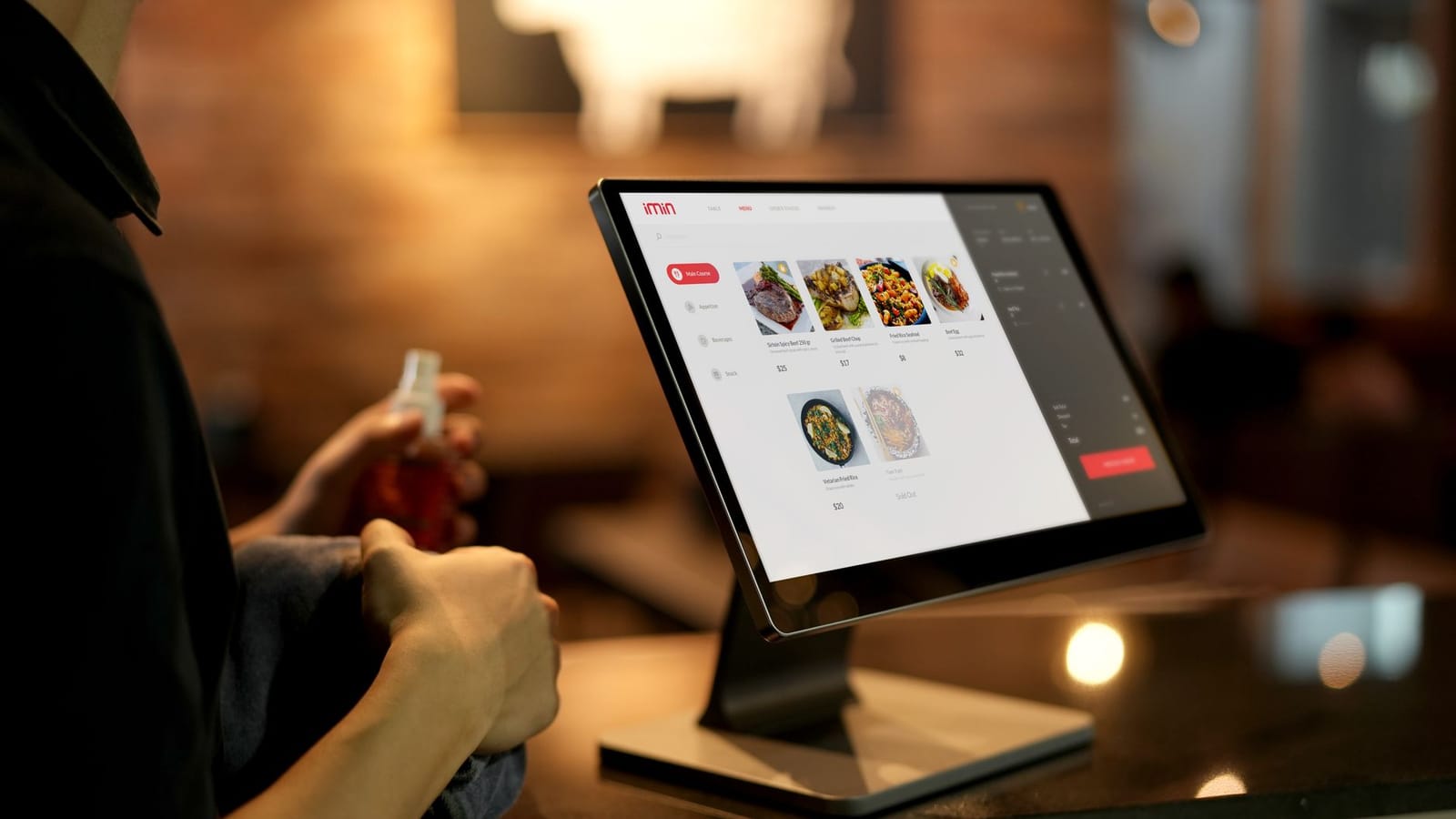
Every restaurant that takes orders through a third-party marketplace pays for the privilege twice: once in commission, and again in losing the customer relationship. A direct online ordering system flips that equation. This guide walks through how to design and build one properly in 2026, from menu modeling to kitchen routing, and where the build-vs-buy line actually sits.
Why Direct Ordering Beats the Marketplace
Aggregators solve discovery, and they are very good at it. What they are not good at is margin. Commissions on delivery marketplaces routinely land between 15% and 30% of order value, and the restaurant rarely owns the diner's email, phone number, or order history. For a venue doing meaningful online volume, a direct channel that captures even half of repeat orders pays back its build cost quickly.
A direct system gives you three things a marketplace never will:
- Full margin on every order routed through your own checkout.
- Customer data you can use for loyalty, win-back, and email.
- Control over the experience including menu presentation, upsells, and timing.
The trade-off is that you now own the problem. Payments, tax, kitchen accuracy, and uptime are yours. That is exactly why the data model underneath matters more than the UI on top of it.
Modeling the Menu Correctly
The menu is the schema that everything else depends on. Get it wrong and modifiers, pricing, and reporting all leak. The core entities are simpler than most teams assume: a category groups items, an item is a sellable product, and modifier groups attach choices to items.
The single most common mistake is hardcoding modifiers as columns on the item. Burgers need "cheese type" and "cook temperature"; a latte needs "milk" and "size". Model modifier groups as first-class, reusable rows that attach to many items.
CREATE TABLE menu_item (
  id            uuid PRIMARY KEY DEFAULT gen_random_uuid(),
  category_id   uuid NOT NULL REFERENCES category(id),
  name          text NOT NULL,
  base_price    integer NOT NULL,          -- cents, never floats
  is_available  boolean NOT NULL DEFAULT true,
  tax_category  text NOT NULL DEFAULT 'standard'
);

CREATE TABLE modifier_group (
  id            uuid PRIMARY KEY DEFAULT gen_random_uuid(),
  name          text NOT NULL,             -- "Size", "Add-ons"
  min_select    integer NOT NULL DEFAULT 0,
  max_select    integer NOT NULL DEFAULT 1 -- 1 = single, >1 = multi
);

CREATE TABLE modifier_option (
  id            uuid PRIMARY KEY DEFAULT gen_random_uuid(),
  group_id      uuid NOT NULL REFERENCES modifier_group(id),
  name          text NOT NULL,
  price_delta   integer NOT NULL DEFAULT 0 -- cents, can be negative
);

-- many-to-many: a group is reusable across items
CREATE TABLE item_modifier_group (
  item_id       uuid NOT NULL REFERENCES menu_item(id),
  group_id      uuid NOT NULL REFERENCES modifier_group(id),
  sort_order    integer NOT NULL DEFAULT 0,
  PRIMARY KEY (item_id, group_id)
);
Two rules that save you from rework later:
- Store money as integer cents, never floating point. Currency rounding bugs are the most embarrassing class of bug in commerce.
- Never delete menu rows; soft-delete with
is_availableor anarchived_attimestamp. Historical orders must still resolve the item and price they were placed against.
Validating modifier rules
min_select and max_select are not decoration. They drive both the client form and server validation. A "choose 2 sides" group with min_select = 2, max_select = 2 must be enforced on the server, because the client can be bypassed. Always re-validate the full cart server-side before you ever touch a payment intent.
Carts, Pricing, and the Source of Truth
A cart is a list of line items, where each line references an item plus a set of chosen options plus a quantity. The price the customer sees is computed, never stored on the client.
The golden rule: recompute the total on the server at checkout from current menu prices. The client cart is a convenience for display. If you trust a client-submitted total, you have built a discount generator for anyone with developer tools open.
type CartLine = {
  itemId: string;
  quantity: number;
  optionIds: string[];
};

async function priceCart(lines: CartLine[]): Promise<number> {
  let total = 0;
  for (const line of lines) {
    const item = await getItem(line.itemId);
    if (!item.isAvailable) throw new Error("ITEM_UNAVAILABLE");

    const options = await getOptions(line.optionIds);
    validateModifierRules(item, options); // enforces min/max per group

    const optionsDelta = options.reduce((s, o) => s + o.priceDelta, 0);
    total += (item.basePrice + optionsDelta) * line.quantity;
  }
  return total; // cents
}
This function is also where you apply order-level logic: minimum order value, fulfillment fees, and promo codes. Keep tax as a separate, jurisdiction-aware step, because food tax rules vary wildly and sometimes depend on whether the order is dine-in, pickup, or delivery.
Payments Without the Pain
For most restaurants in most markets, Stripe is the pragmatic default; in Latin America, MercadoPago covers Pix and local cards where Stripe coverage is thinner. The architecture is the same regardless of provider.
Use a payment intent created server-side after you have re-priced the cart. The amount on that intent is your authoritative total. Confirm the order only when you receive the payment-succeeded signal.
A point worth internalizing: do not provision the order on the client "success" callback alone. Network drops, closed tabs, and double-taps make that unreliable. The durable pattern is one of:
- Webhook-driven fulfillment, where the provider's
payment_intent.succeededevent creates the kitchen ticket. This is the cleanest, but webhook endpoint caps and signature verification need care. - Reconciliation polling, where a short-interval cron queries recent payment intents and provisions any paid-but-unfulfilled orders. This is the resilient fallback we reach for when webhook slots are exhausted or unreliable.
Whichever you choose, make order creation idempotent on the payment intent ID so a retried webhook and a polling pass never produce two tickets.
Kitchen Routing and Order State
A paid order is useless until it reaches the line. Kitchen routing is where online ordering quietly succeeds or fails, because a missed ticket is a refund and a lost customer.
Model the order as a small state machine:
pending_payment→confirmed→in_kitchen→ready→completed- with
cancelledandrefundedas terminal branches.
Each transition should be logged with a timestamp. Those timestamps are also your operational reporting: time-to-accept, prep duration, and pickup latency all fall out of the state log for free.
Getting the ticket to the line
There are three common delivery mechanisms, in increasing order of robustness:
- KDS (kitchen display system): a tablet or screen polling or subscribing over WebSocket. Best for accuracy and modifier legibility.
- Receipt printer: an ESC/POS thermal printer, often reached via a cloud print relay. Familiar to staff, but a jam means a silent miss.
- Both: print for the line, display for expo. Redundancy here is cheap insurance.
Always include an audible and visual new-order alert, and require staff to accept the order. An unaccepted order after a short timeout should escalate, not sit silently. The single worst failure mode in this entire system is an order that took money but never reached anyone.
Delivery vs Pickup: Two Different Products
Pickup and delivery share a cart but diverge everywhere else. Treat fulfillment type as a top-level attribute of the order that branches your logic.
| Concern | Pickup | Delivery |
|---|---|---|
| Address | Not needed | Required, validated, geocoded |
| Timing | "Ready in 15 min" | Prep + driver ETA |
| Fees | Usually none | Delivery fee, possibly distance-based |
| Tax | Often differs by jurisdiction | Often differs by jurisdiction |
| Failure mode | No-show | Wrong address, driver gap |
For delivery, decide early whether you dispatch your own drivers or hand off to a logistics provider via API. Self-delivery means you own zone boundaries, fees, and driver assignment. Third-party dispatch (the "delivery-as-a-service" model) lets you keep the customer relationship and direct margin while outsourcing the last mile. The latter is usually the right call for a single venue; the former pays off at scale or with a tight delivery radius.
Validate delivery addresses against your service zones before taking payment. Refunding because "we don't actually deliver there" is a preventable, trust-eroding mistake.
Build vs Buy
This is the decision most teams agonize over and the one with the clearest framing. The honest answer is that it depends on volume, differentiation, and engineering appetite.
Buy (or use a platform) when:
- You run one to a handful of locations and want to be live this month.
- Your menu and flow are conventional.
- You do not have engineering capacity to own uptime and payments.
Build when:
- Commissions or per-order SaaS fees materially exceed a custom system's amortized cost.
- You have unusual requirements: complex modifiers, multi-brand kitchens, loyalty integration, or POS sync that off-the-shelf tools fragment.
- The ordering experience is part of your brand and you want full control of every pixel and every upsell.
A useful middle path is to buy the commodity and build the differentiator: lean on Stripe for payments and a managed Postgres for data, but own the menu model, cart, and kitchen routing yourself. That is where the margin and the experience live, and it is far less code than a from-scratch payments stack. Most of the systems we build for clients sit exactly here.
Frequently Asked Questions
How much does it cost to build a custom online ordering system?
A focused single-venue system with menu, cart, payments, and kitchen routing is typically a four-to-eight week build for an experienced team. The larger ongoing cost is operations: hosting, payment processing fees, and maintenance. Against marketplace commissions of 15 to 30 percent, a custom system usually pays for itself within months at moderate order volume.
Can I avoid delivery marketplace commissions entirely?
For direct orders, yes. A first-party ordering site keeps the full margin minus payment processing (roughly 2 to 3 percent). Many restaurants run a hybrid model: marketplaces for discovery of new customers, and a direct channel they actively push repeat customers toward through receipts, loyalty, and email, where the economics are far better.
What is the most reliable way to get orders to the kitchen?
Use redundancy. Pair a kitchen display system over WebSocket with a thermal receipt printer, require staff to actively accept each order, and escalate any order left unaccepted past a timeout. Log every state transition. The non-negotiable rule is that no paid order should ever fail silently without alerting someone.
Should I store prices on the client cart?
Never trust client-submitted prices or totals. Store money as integer cents, keep the client cart for display only, and recompute the authoritative total on the server from current menu prices immediately before creating the payment intent. This prevents tampering and keeps pricing consistent when the menu changes mid-session.
Stripe or MercadoPago for restaurant payments?
It depends on your market. Stripe is the strong default in North America and Europe with excellent developer tooling. In Latin America, MercadoPago offers better local coverage, especially Pix in Brazil and regional card networks. The order, cart, and fulfillment logic stay identical; only the payment provider integration changes.
Working with CodeAustral
We design and build restaurant ordering platforms end to end, from menu modeling and modifier logic to payments, kitchen routing, and the parts that keep margin where it belongs. If you are weighing build versus buy, send us a short brief via Contact or Build my estimate.