
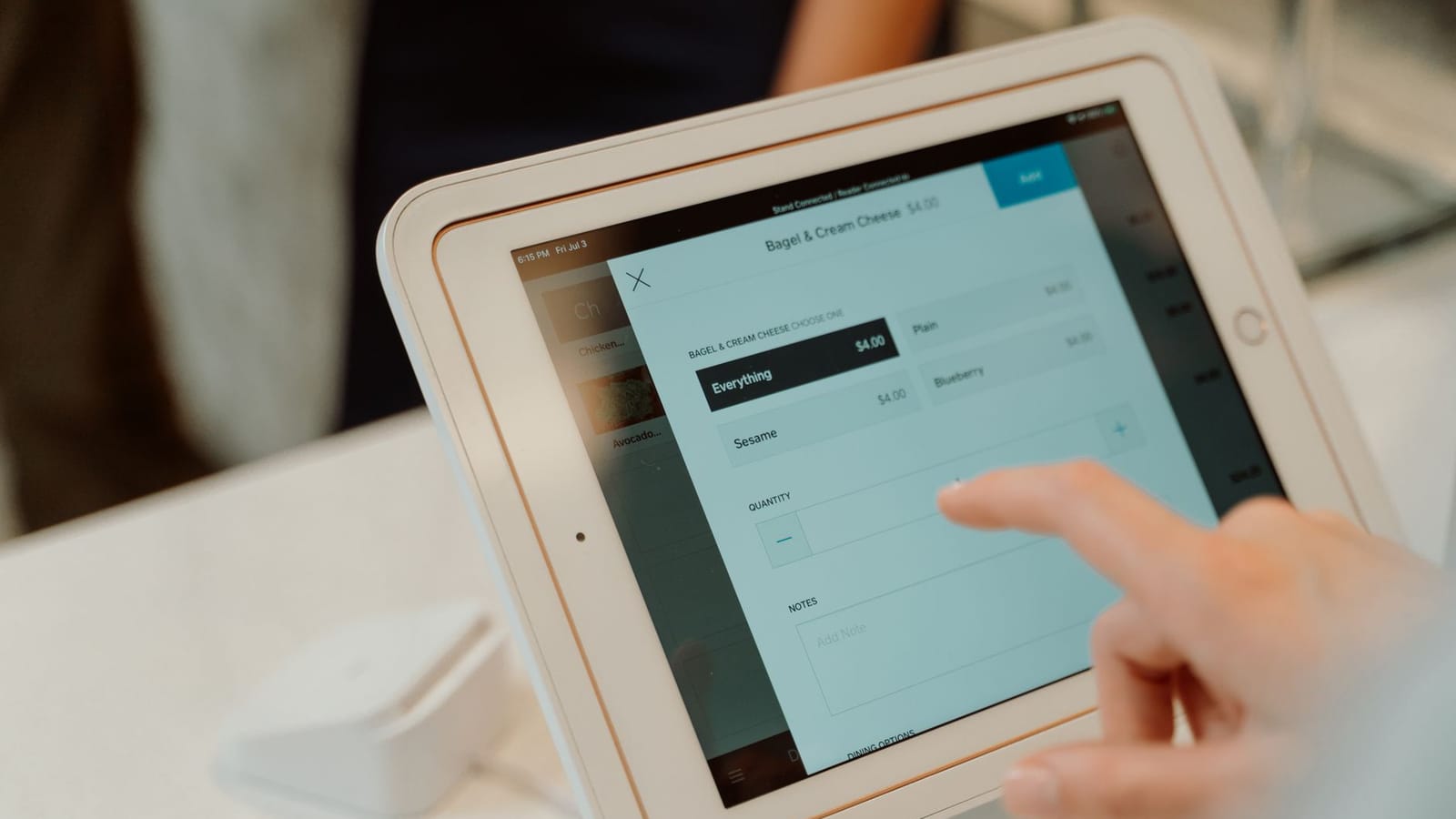
A restaurant POS system is complex software that handles orders, payments, inventory, and customer management. Here's how to build one from scratch.
Core Features
Order Management
- Table layout visualization
- Menu item selection with modifiers
- Split bills and order splitting
- Order status tracking (pending, cooking, ready)
Payment Processing
- Multiple payment methods (cash, card, digital wallets)
- Tip handling
- Receipt generation
- Refund processing
Inventory Management
- Real-time stock tracking
- Low stock alerts
- Ingredient-level tracking
- Supplier management
Tech Stack Recommendation
// Frontend: React Native for cross-platform mobile
// Backend: Node.js with Express or Next.js API
// Database: PostgreSQL for relational data
// Real-time: Socket.io for live updates
// Payments: Stripe API
Database Schema
-- Tables schema
CREATE TABLE tables (
  id SERIAL PRIMARY KEY,
  number INTEGER NOT NULL,
  capacity INTEGER,
  status TEXT DEFAULT 'available'
);

CREATE TABLE orders (
  id SERIAL PRIMARY KEY,
  table_id INTEGER REFERENCES tables(id),
  status TEXT DEFAULT 'pending',
  created_at TIMESTAMP DEFAULT NOW()
);

CREATE TABLE order_items (
  id SERIAL PRIMARY KEY,
  order_id INTEGER REFERENCES orders(id),
  menu_item_id INTEGER REFERENCES menu_items(id),
  quantity INTEGER,
  price DECIMAL(10,2),
  status TEXT DEFAULT 'pending'
);
Key Implementation Tips
- Offline Mode: Restaurants need functioning POS during internet outages
- Speed: Every second counts - optimize for sub-second transactions
- Kitchen Display: Sync orders to kitchen in real-time
- Reporting: Daily, weekly, monthly sales and inventory reports
Conclusion
Building a restaurant POS requires understanding both technical and domain-specific challenges. Start with core ordering and expand from there.