
An app idea becomes useful when it gives a team something precise to build and a user something specific to accomplish.
“Build an operations app” is a direction. It does not yet define the user, the moment of need, the smallest useful release, or how anyone will decide whether it works. A buildable software brief closes those gaps before they become expensive assumptions.
The example below is hypothetical. It is a teaching example, not a CodeAustral case study or an existing product.
Begin with the user’s task
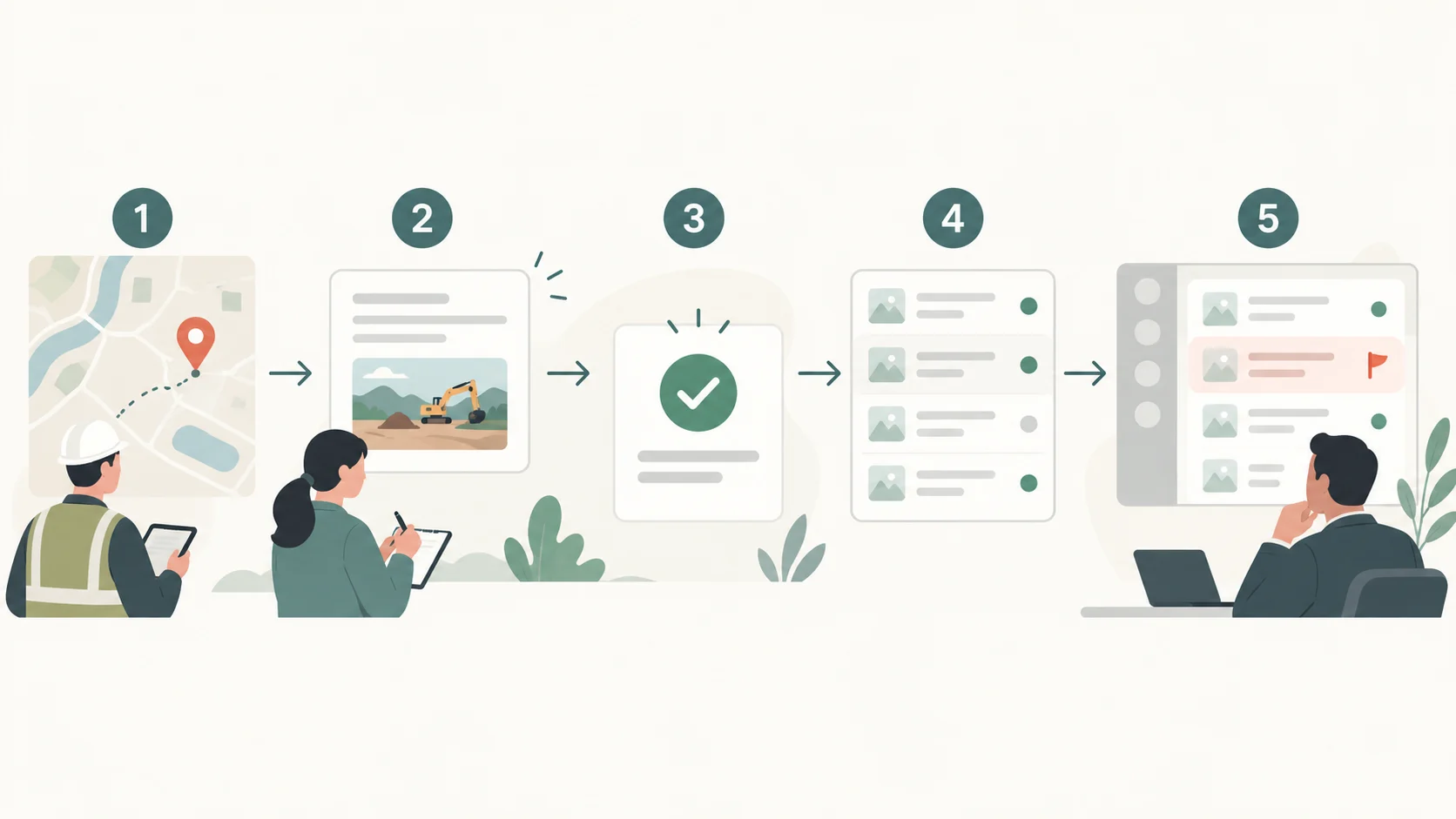
Imagine a small operations team whose coordinator visits several sites each day. After every visit, the coordinator needs to record what happened, flag an unresolved issue, and leave a short note for the manager.
The useful version of the idea is not “make a field-operations app.” It is:
“After a site visit, a coordinator can record the site, status, short note, and one supporting photo in under a few minutes. The manager can then see unresolved visits before the next shift.”
This sentence identifies the primary user, the trigger, the action, and the desired outcome. It also gives the team a way to challenge features that do not help complete that task.
A worked hypothetical brief
Project: Route Notes Primary user: A signed-in site coordinator Secondary user: The operations manager First-release outcome: Coordinators reliably record visits, while managers can find unresolved items without searching through messages or spreadsheets.
First release includes:
- A coordinator creates a visit for an existing site.
- The visit records status, a short note, and one photo.
- The coordinator can see recently submitted visits.
- The manager can filter the list to unresolved visits.
- The interface explains missing fields, successful saves, loading states, and save failures.
- Users can view or edit only records belonging to their authorised workspace.
That is enough to describe a usable first release without pretending that every future need has already been solved.
Turn requirements into acceptance criteria
Acceptance criteria should describe observable behaviour rather than aspirations.
- Given an authorised coordinator, when all required fields are completed, saving creates one visit and shows it in the recent list.
- If a required field is missing, the visit is not saved and the missing information is identified clearly.
- After a refresh, a successfully saved visit is still present.
- A manager filtering for unresolved visits sees unresolved records from the authorised workspace and no unrelated workspace data.
- A photo that cannot be uploaded produces a clear recoverable error rather than silently creating an incomplete record.
- The essential workflow remains usable on a phone-sized screen as well as a desktop screen.
These criteria also reveal questions that should be answered before implementation: Can a visit be edited after submission? How long should photos be retained? Can two people update the same visit? What counts as “resolved”?
Make exclusions explicit
A first release becomes harder to judge when its boundaries remain implied. For Route Notes, the following are deliberately outside the first release:
- native iOS or Android applications;
- offline synchronisation;
- automatic photo reading or predictive summaries;
- integrations with external scheduling or inventory systems;
- billing, multi-company administration, and custom reporting;
- real-time notifications.
Those may become worthwhile later. Excluding them now does not reject them permanently; it protects the first user outcome from being diluted.

A reusable brief template
Use this structure for the next idea:
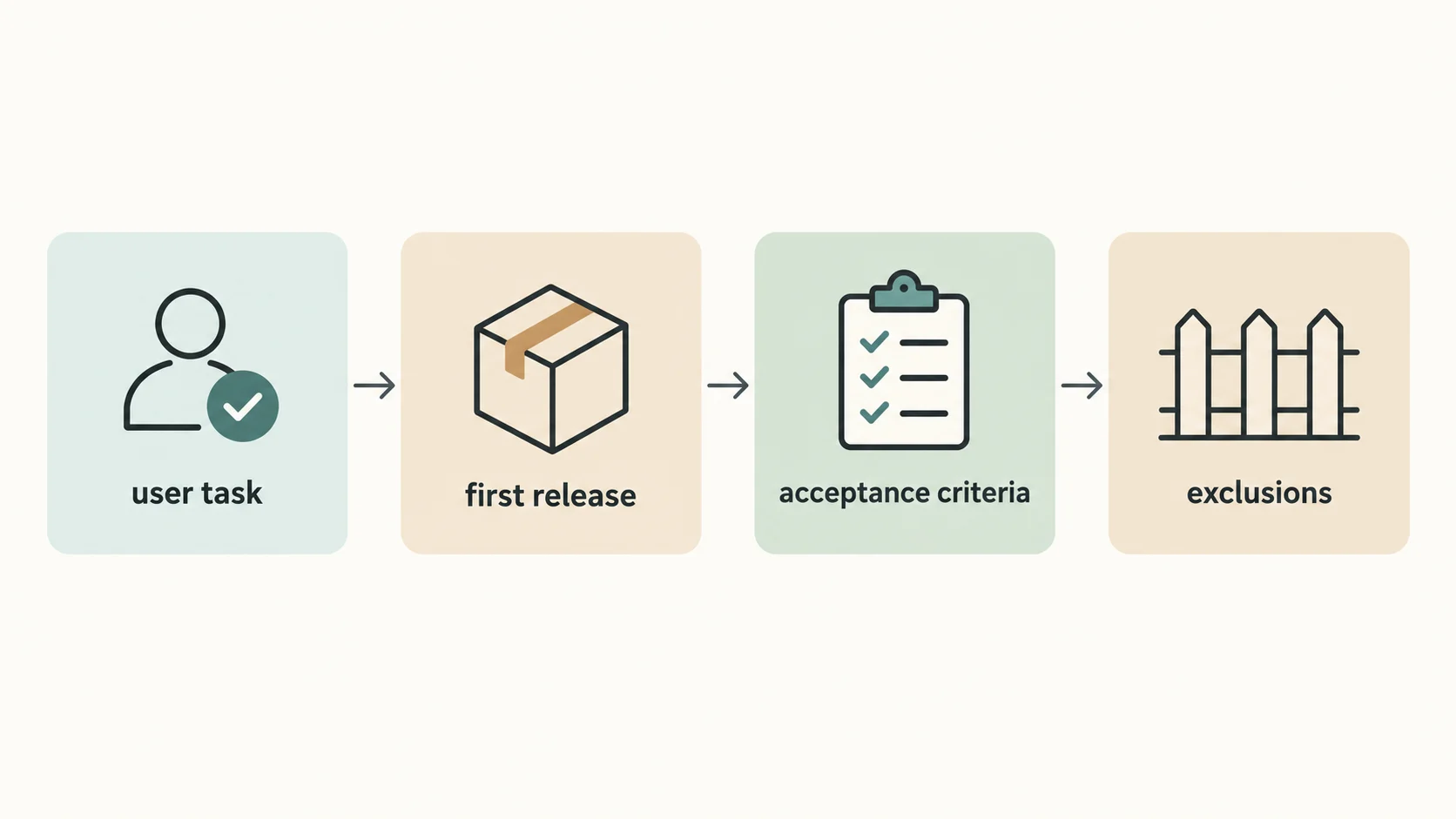
User and task: Who is trying to do what, and when? First-release outcome: What useful result must exist after the task? In scope: Which workflow and information are essential? Acceptance criteria: What will a user be able to observe and verify? Exclusions: What is intentionally deferred? Open questions: Which decisions could change the scope? Next step: What information should be included in the project enquiry?
A good brief is not a prediction of every future feature. It is a shared decision about the smallest meaningful outcome that a team can build, test, and learn from.
Turn the brief into a conversation
CodeAustral’s public process describes three stages: frame the problem, shape the system, and ship with intent. If you have an app idea, send a brief through the project enquiry path with the target user, the current problem, the first release you imagine, and what should remain out of scope. You can also review the studio’s services before deciding what context to include.